
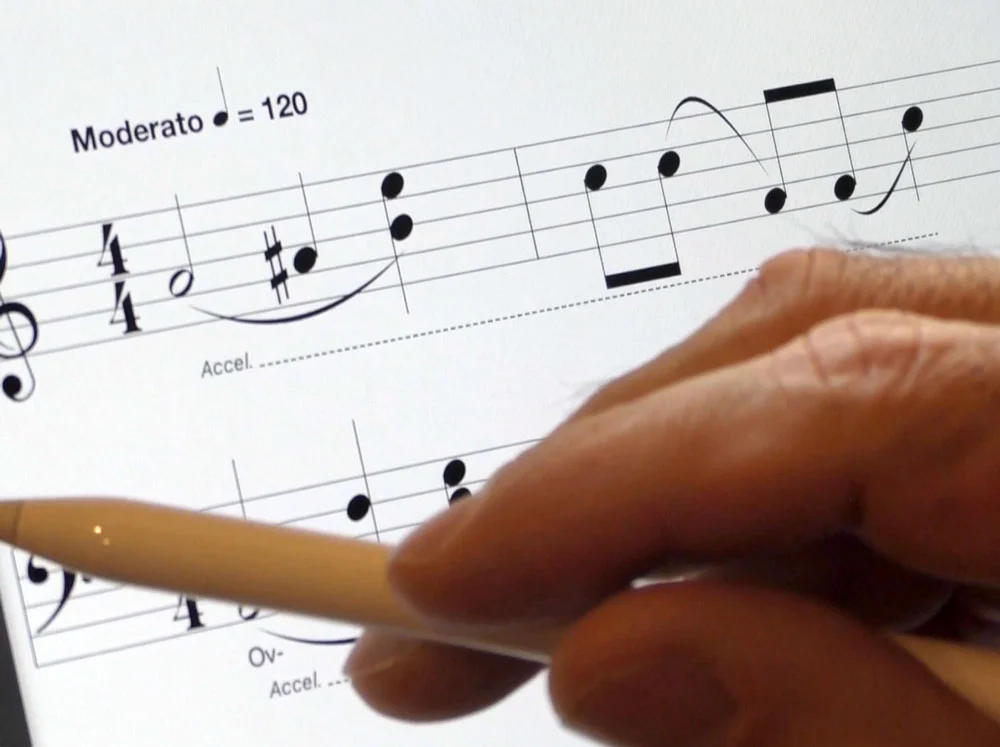
Write with your finger, a stylus or use the palettes.
Notate in your own handwritting using your finger or a stylus (recommended). Powered by MyScript® and the MusicJOT® music engine, your handwriting will be recognized and rendered ready for editing and playback.
If you use a stylus, MusicJOT is already set up to take full advantage of the Apple Pencil®. If you are using an Adonit Pixel®, MusicJOT can customize behavior including settings for righties and lefties.
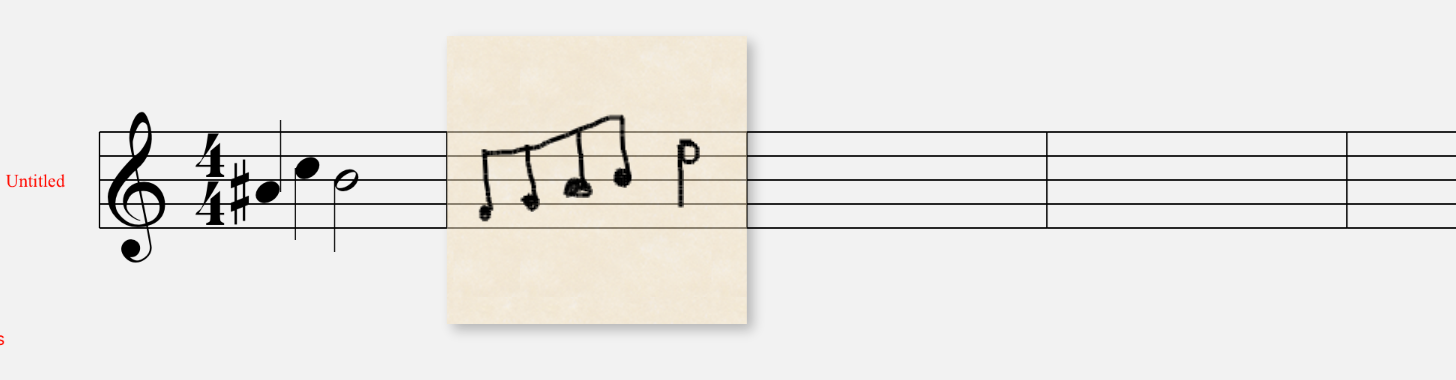
Draw some notes...

Draw a slur...
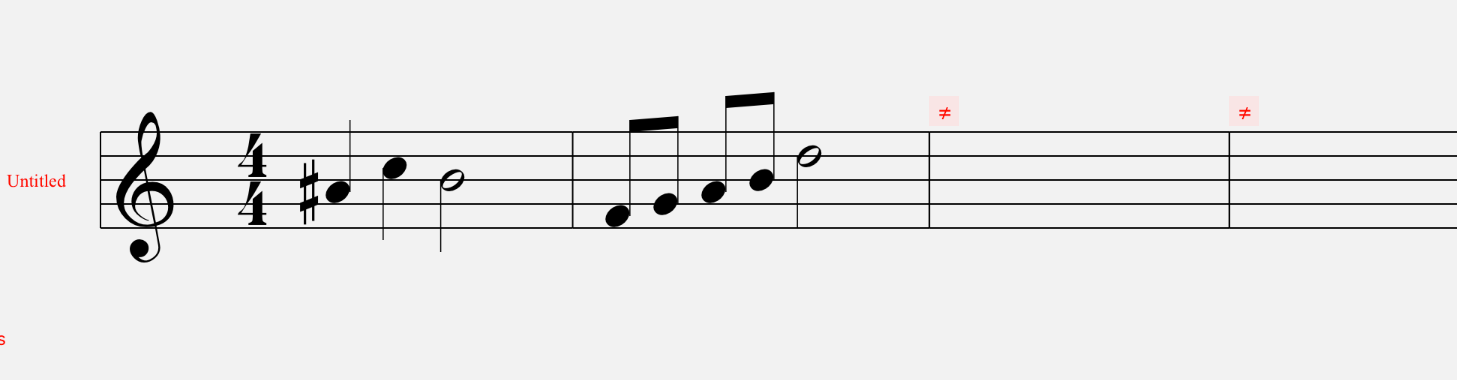
MusicJOT renders it perfectly.

MusicJOT renders it perfectly.
New in 2.0
A new Presentation View shows your score automatically paginated.
Support for Split Screen mode.
Support for Dark Mode.
Supports Apple Scribble.
In-app Help Reference Manual completely overhauled and expanded.
Road Map display enhanced.
Music engine completely overhauled now handles large documents.
Numerous speed enhancements.
All User Interface elements redesigned.
Hundreds of bugs stamped out.
Undo now supported throughout with few exceptions.
Printing overhauled, now paginates properly with customizable margins.
All managers (Score, Staff, Lyric and Chord) completely redesigned.
New Score browser.
New factory supplied scores.
Full iOS font menu support.
Now supports auto scrolling when dragging for selections or scrubbing.
Playback loops now have visual feedback right in the score.
Tutorial available through Split Screen mode with an internet connection.
New Edit Menu coalesces all editing actions.
Slurs can now be flipped.
Beams can now be broken.
Hundreds of other enhancements.
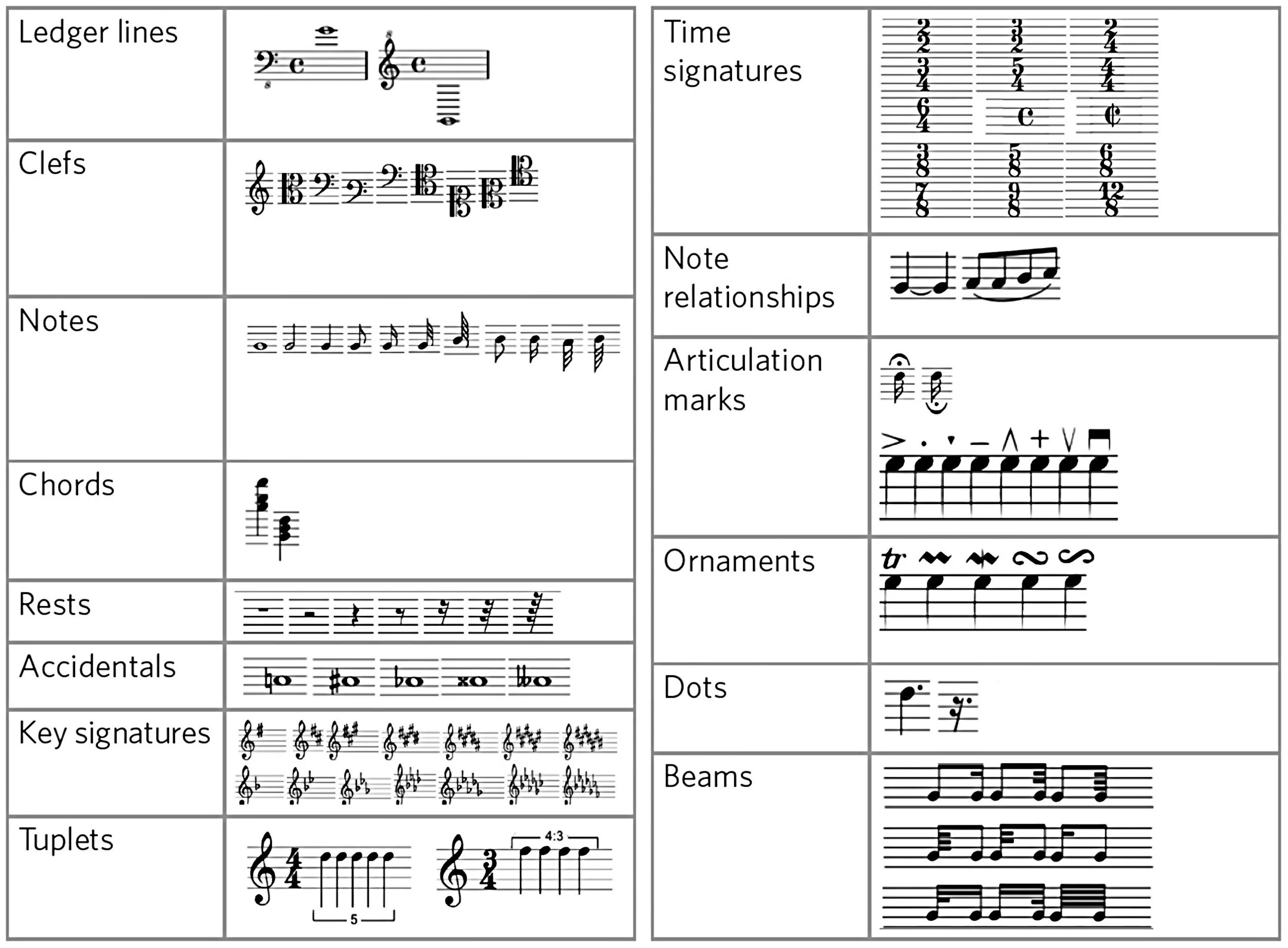
Recognized symbols.
MusicJOT recognizes a large set of standard music notation symbols and converts from your handwriting to digital format.
It doesn't matter in what order you notate. Put in four quarters, then sharp the first quarter, then beam the last two to make two eighths. Work as you would with paper and pencil. Scratch out to delete. Add a new meter, clef or key signature. Make a slur or a tie. It's the most natural way to write music on iOS.
Full Featured Audio Playback.
Audio playback is full featured with controls for overall tempo, volume, looping, and repeats with a draggable playhead for scrubbing. Counters include measure, beat and seconds. Each staff can be assigned its own sound from 128 different instruments with individual controls for pan, gain, mute and solo. Included is a reverb unit with settings for decay time, early reflections, wet/dry mix and -20 to +20 db gain.
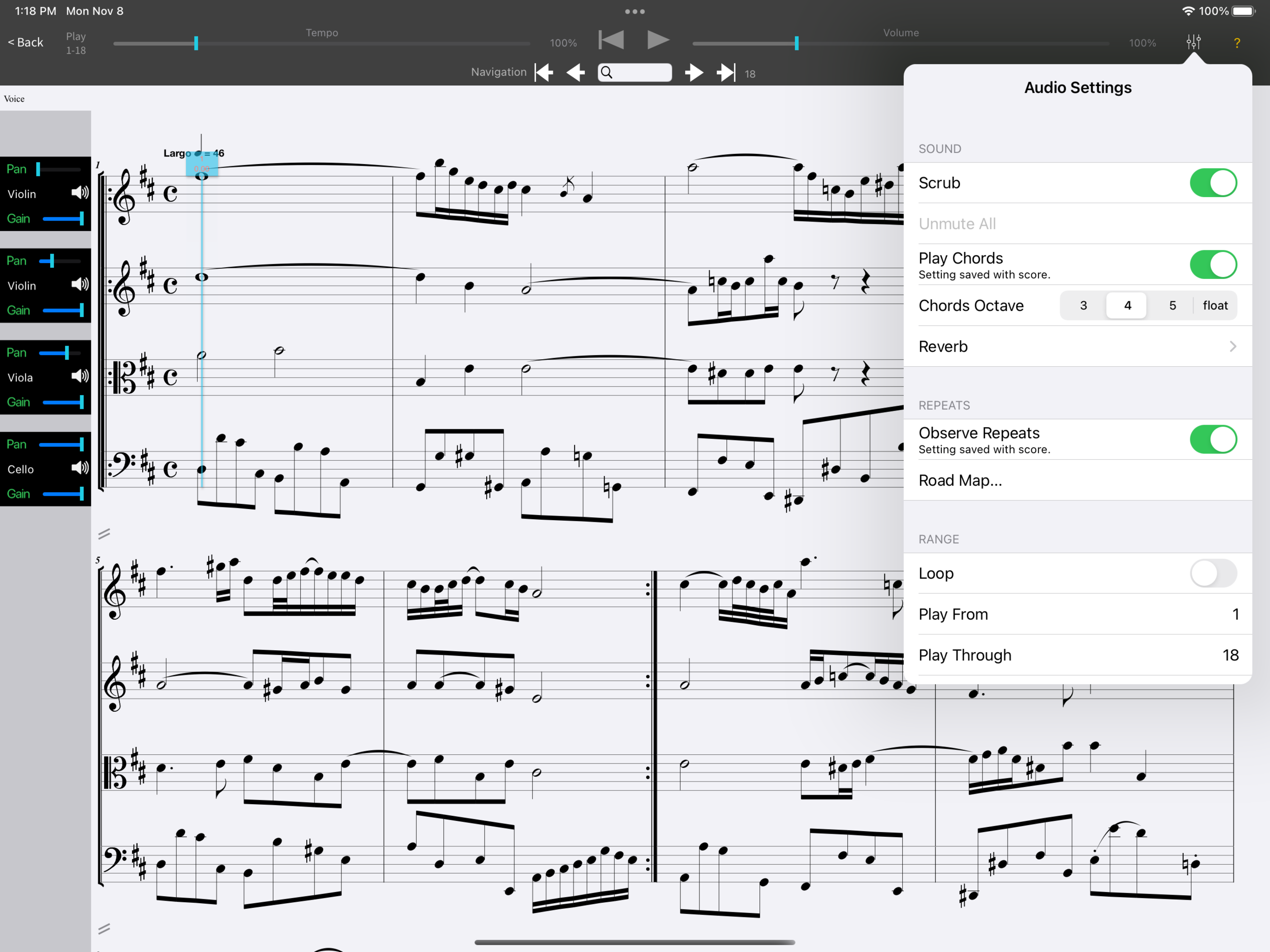
Full featured audio playback.
Fretboards
Fretboards can be added to new or existing chord text symbols from the chords panel of the Edit Menu. Control visibility of fretboards on a staff-by-staff basis and choose from a variety of different fretted instruments from the Staff Manager.
Select from our revolutionary AI generated fretboards chooser which can generate thousands of alternatives from any chord, even user created ones. MusicJOT shows the best choices sorted by playability and richness of chord realization.
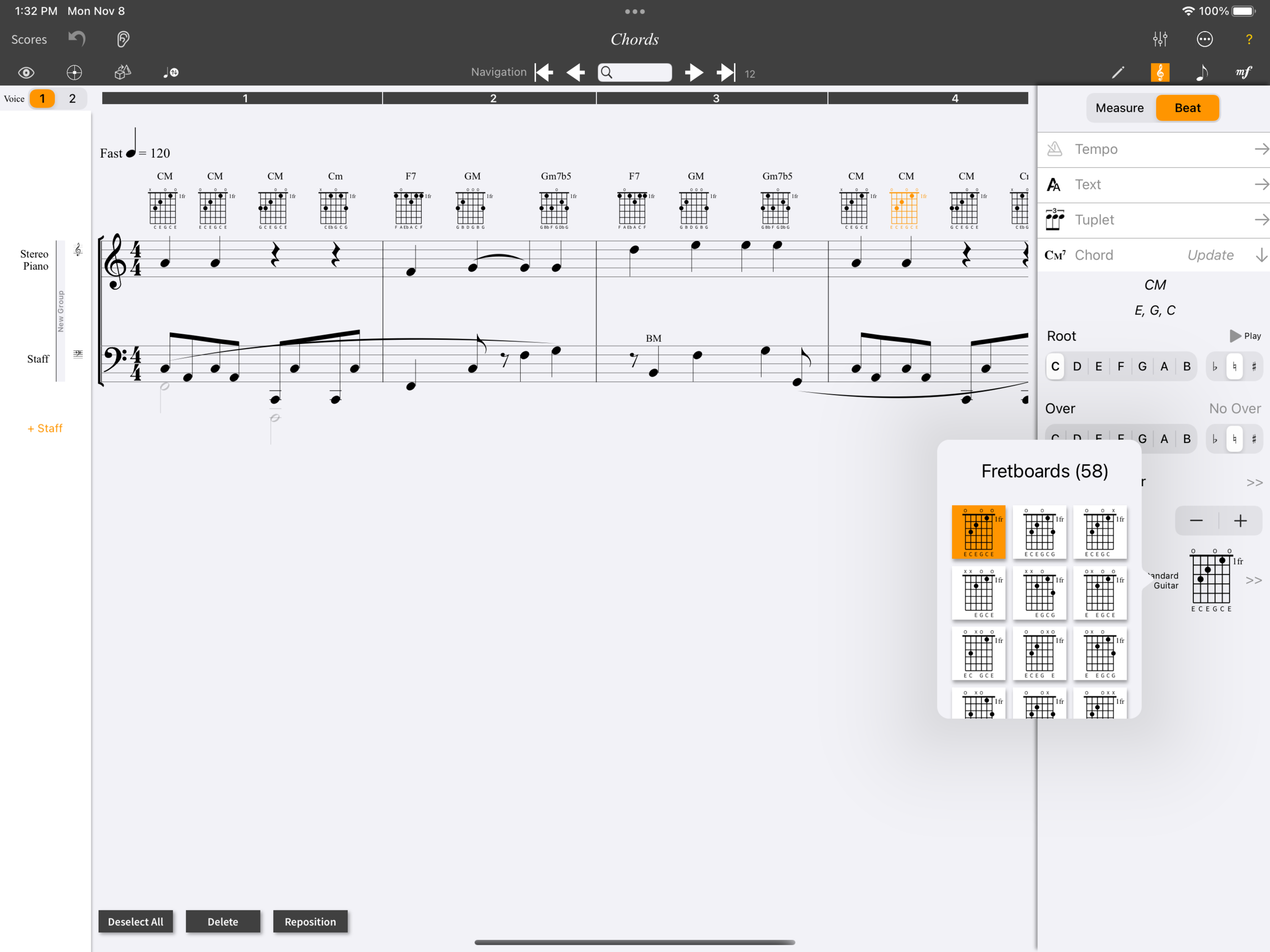
Add fretboards.
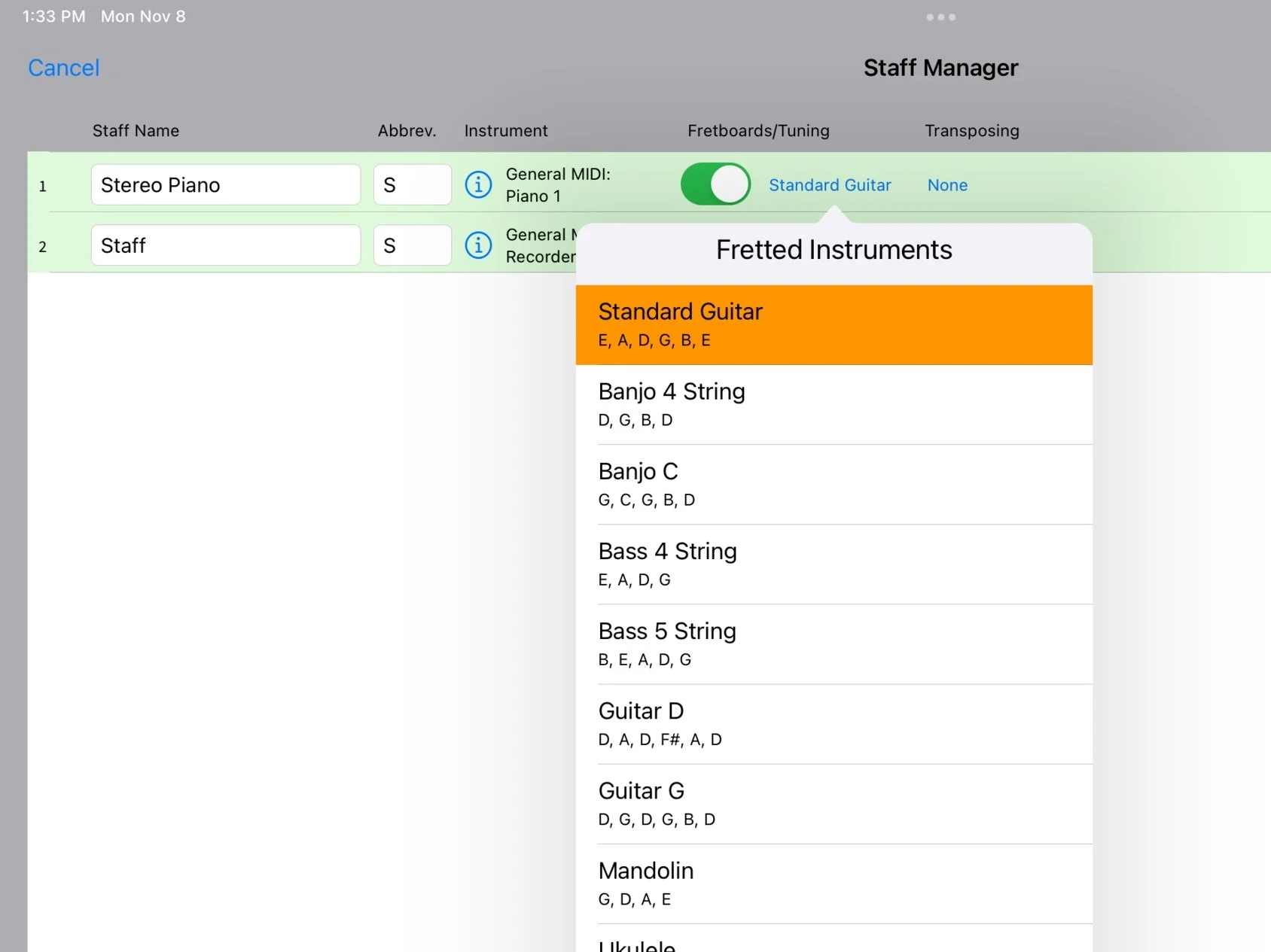
Select from a variety of fretted instruments.
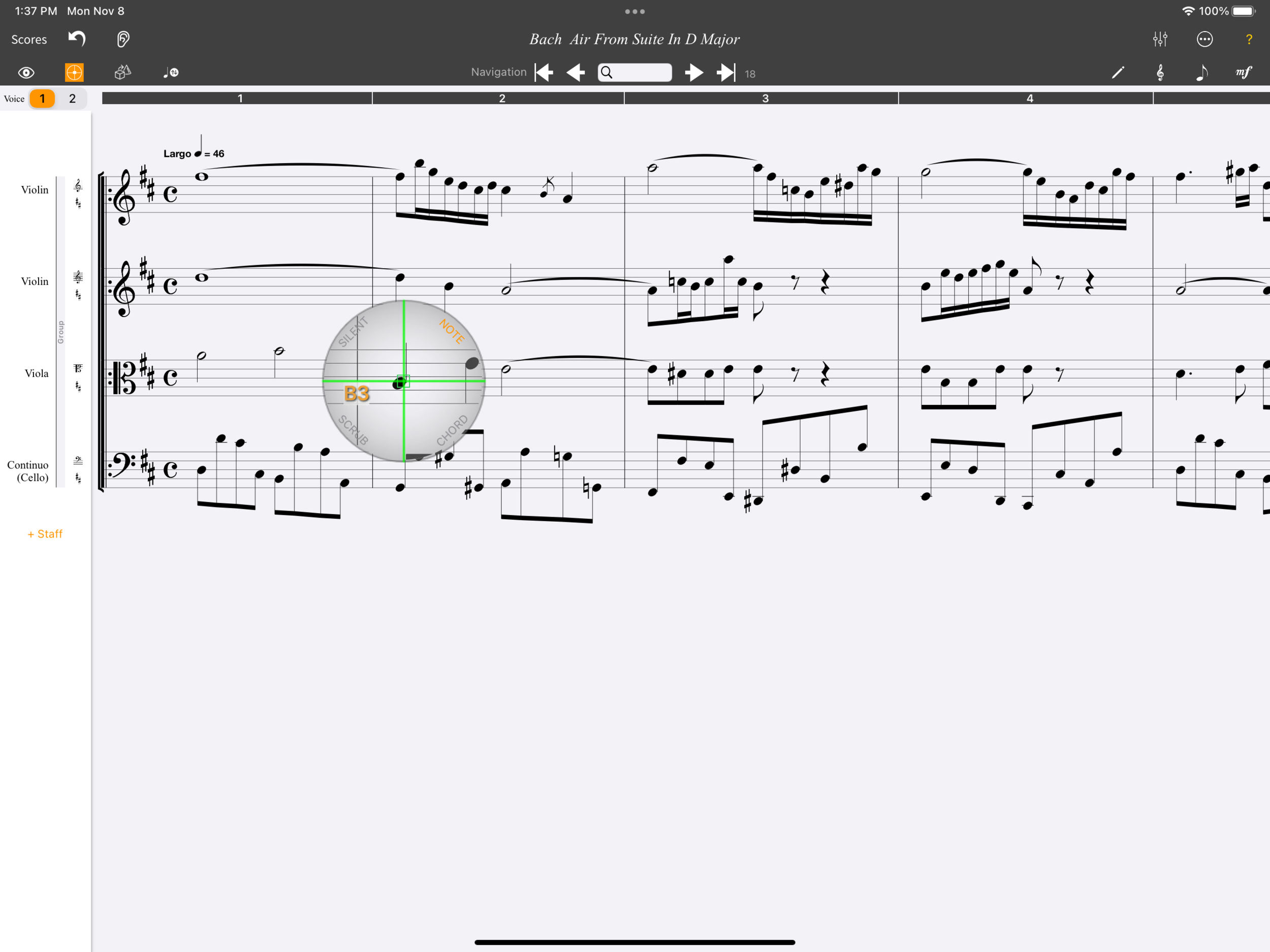
The Virtual Pointer™ playing a single note.
Virtual Pointer
MusicJOT's Virtual Pointer lets you get the precision of a stylus with your finger. Drag the VP around, and the score under the pointer gets magnified. You can tap to select and insert notes and MusicJOT will sound the note you are over and display its name and octave. The Virtual Pointer can be set to sound single notes, whole chords or scrub your entire score.
View Modes, Layers, and Statistics
View your score in scroll view, page view or our new presentation view. Show or hide notes, text, lyrics, shapes (such as slurs, hairpins, accelerandos, etc.), expressions, and regions, which is very useful in removing clutter when you just want to concentrate on the music. View statistics such as number of measures, staffs, notes, keys, and regions, etc.
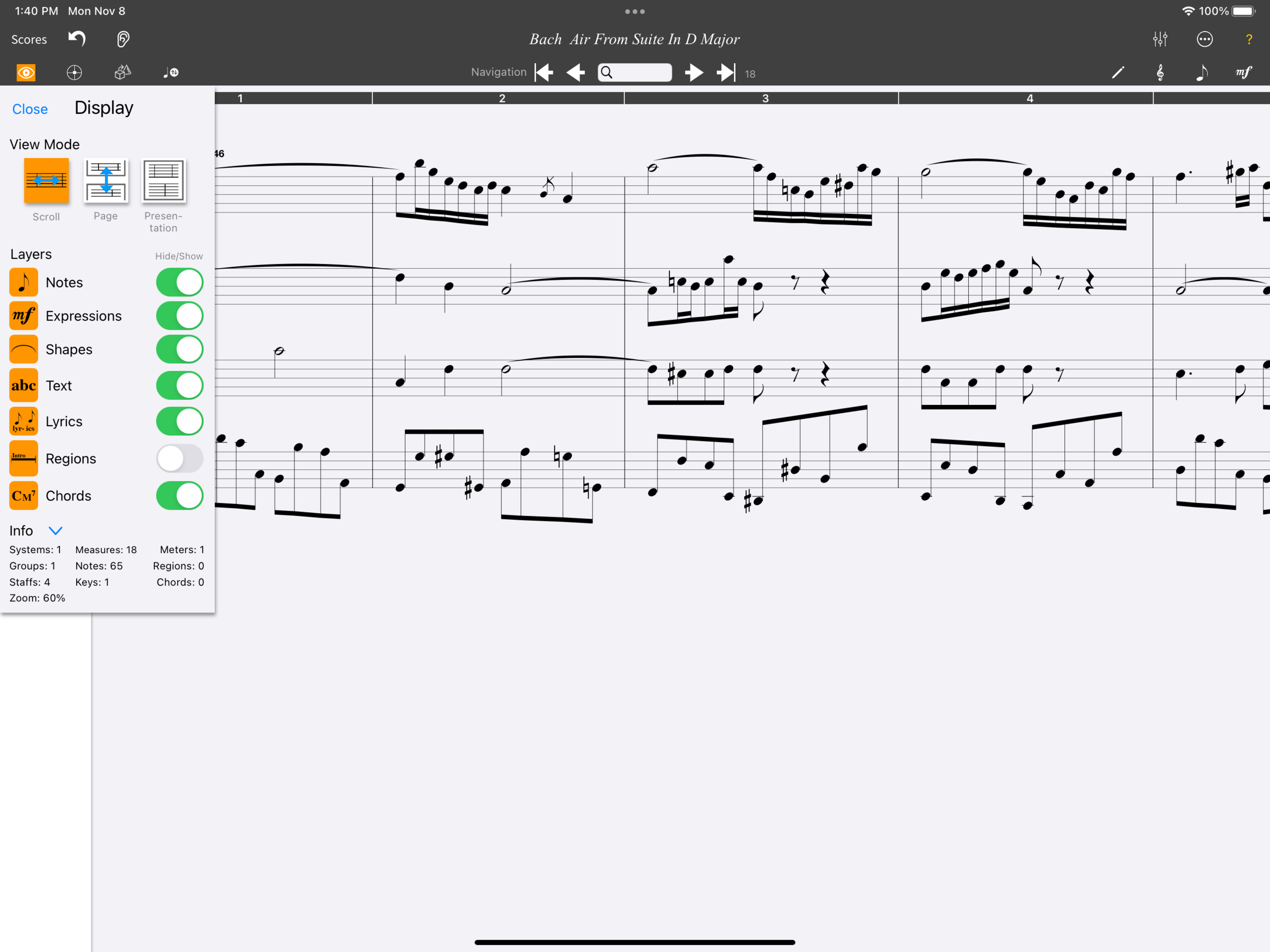
All layers selected except "Regions."
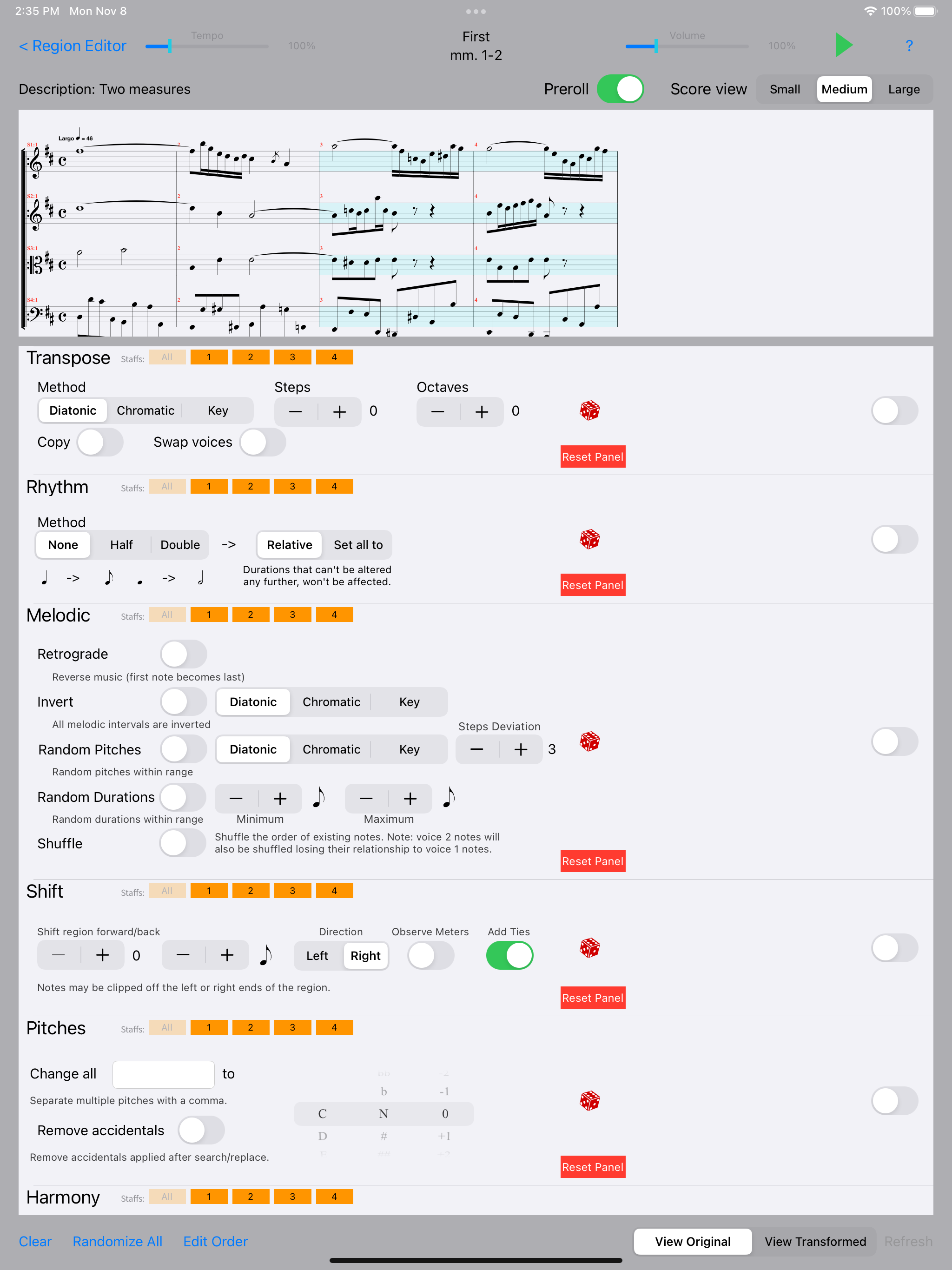
Transformation Editor Panels
Revolutionary Transformation Editor
The Transformation editor is a powerful tool allowing you to duplicate, delete, rearrange, and apply transformations to your defined regions.
All transformations are non-destructive until you are ready to preview and save. Tools include: diatonic, chromatic and key transpositions, rhythmic alterations, melodic retrograde, inversion, randomize pitches and durations, shuffle, shift in time, selective pitch replacement, chord inversions, and staff swaps.
Experiment freely before committing. Listen to the original side-by-side with your transformed score.
An amazing new way to arrange!
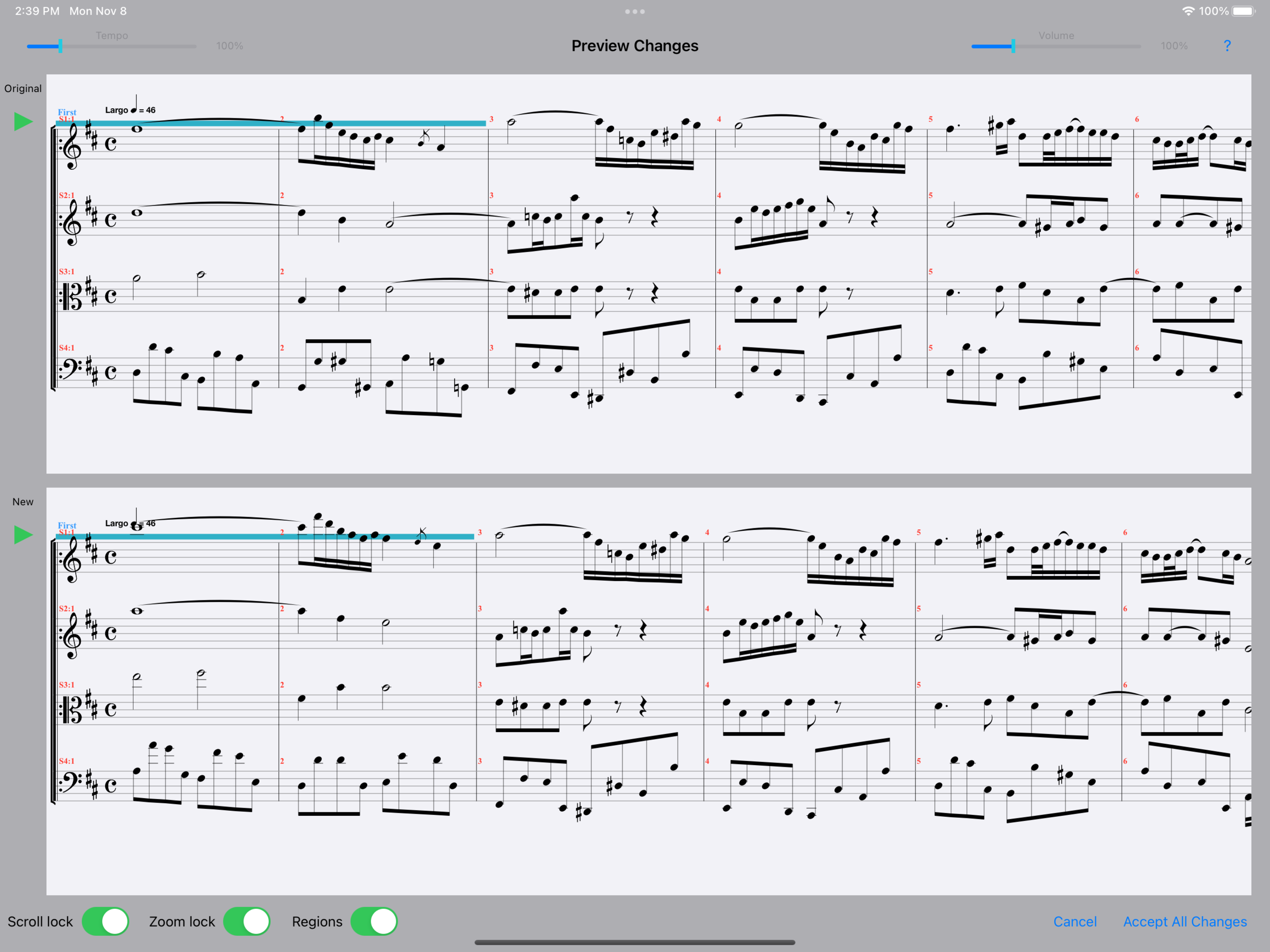
Transformation Editor Preview